
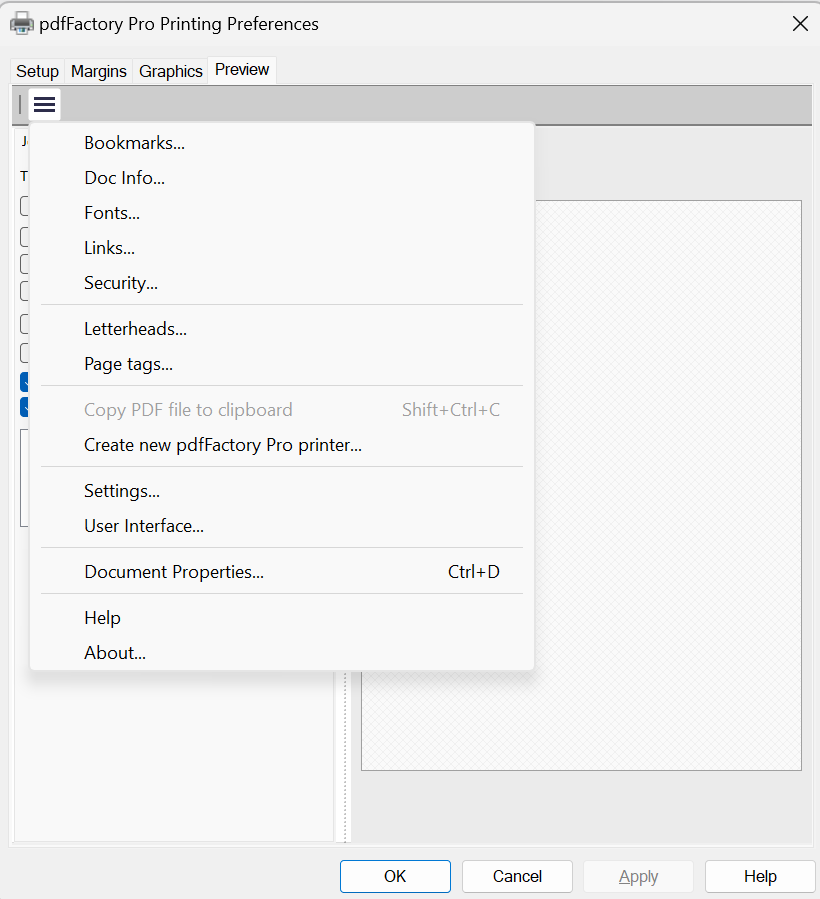
To change settings for client users, access Printing Preferences from an administrator account. Make any settings changes via the Metrics, Graphics, Setup, or Preview tabs.
Note: Settings that do not impact the printer driver such as those on the FinePrint Layout tab or the pdfFactory Pro Jobs tab can be made in the application user interface rather than the Printing Preferences. In order to propagate the settings, open, close and confirm the settings via the Printing Preferences.
When OK is clicked, confirm via this dialog to propagate settings:
