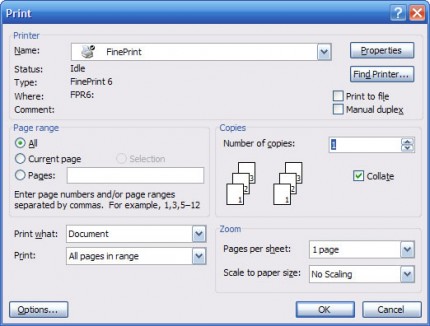
Step 1: Select the FinePrint driver from the Print dialog box of your application and click Print. Wait for the preview window to appear as in Step 2.
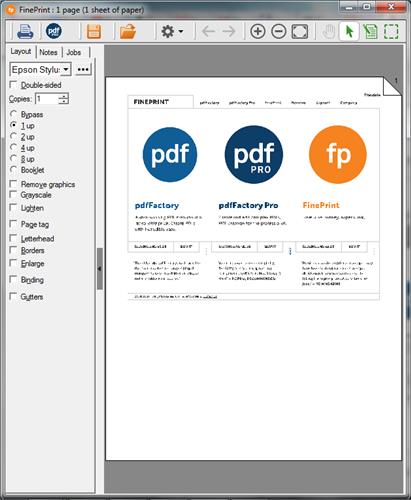
Step 2: Set your layout options in the preview window and click the Print button.

“FinePrint is so good it begs a printer manufacturer to snap it up and use it as the front end of their driver. It does about all you could want from a print utility. if we could give it more than six stars, we would.” – PC Pro
Step 1: Select the FinePrint driver from the Print dialog box of your application and click Print. Wait for the preview window to appear as in Step 2.

Step 2: Set your layout options in the preview window and click the Print button.